
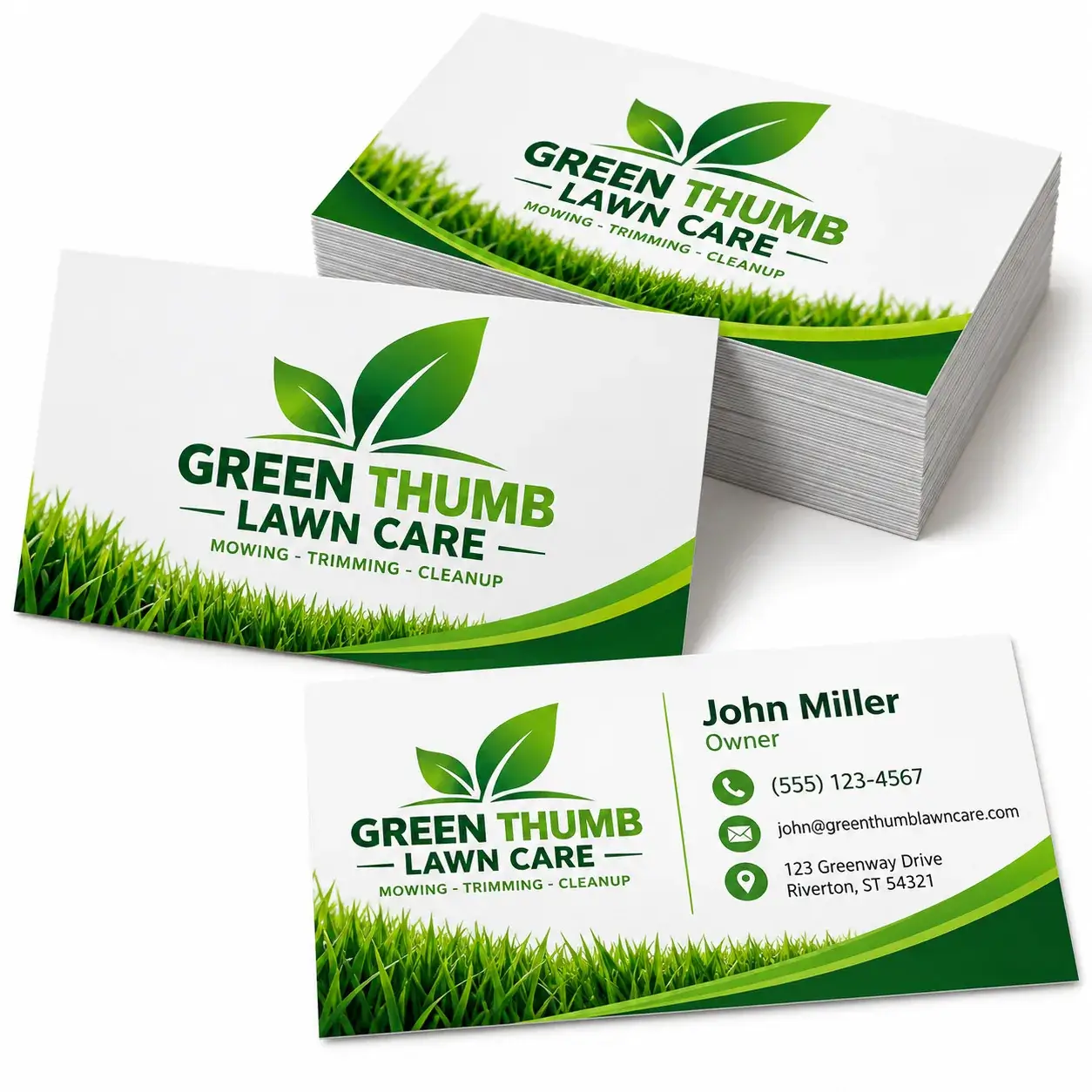
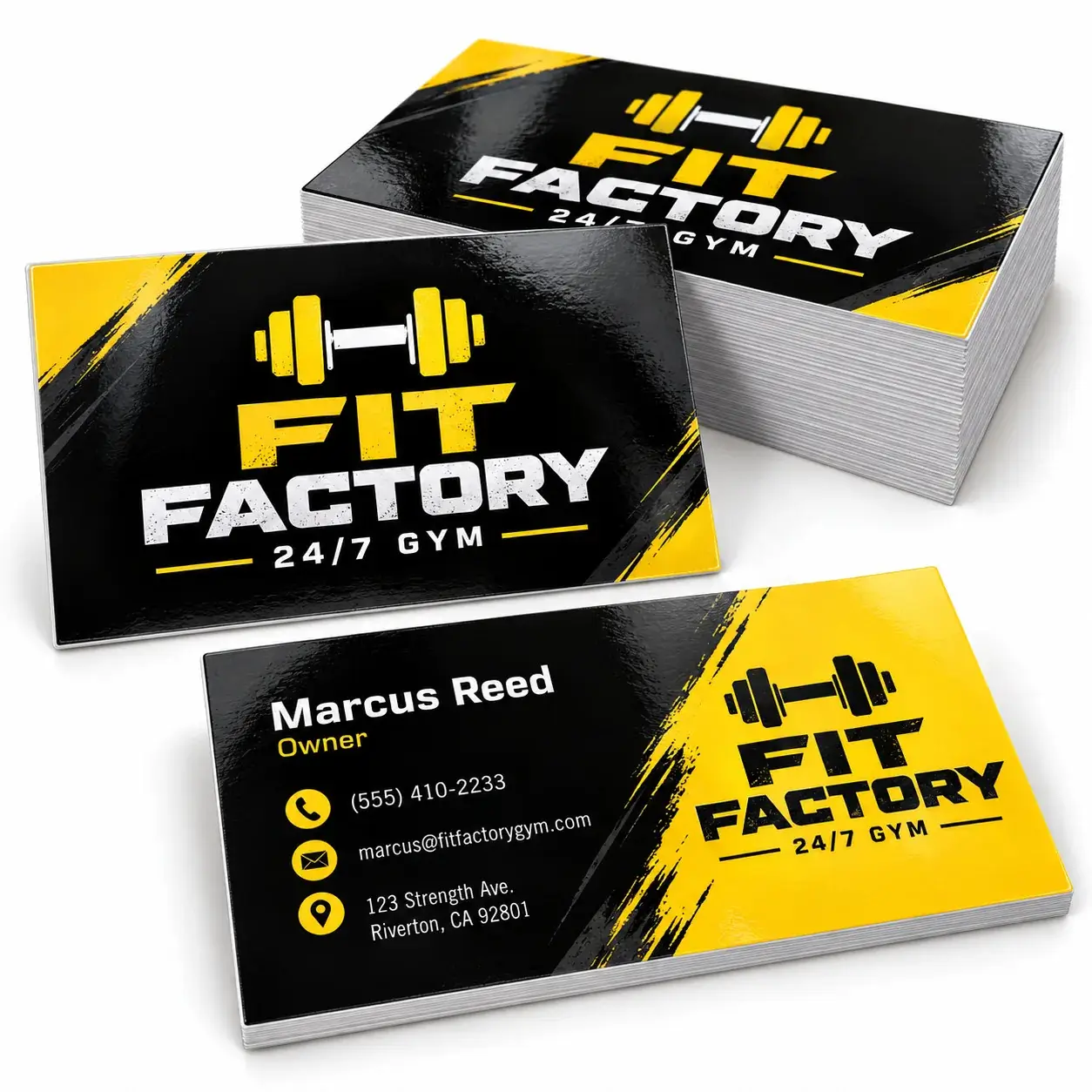
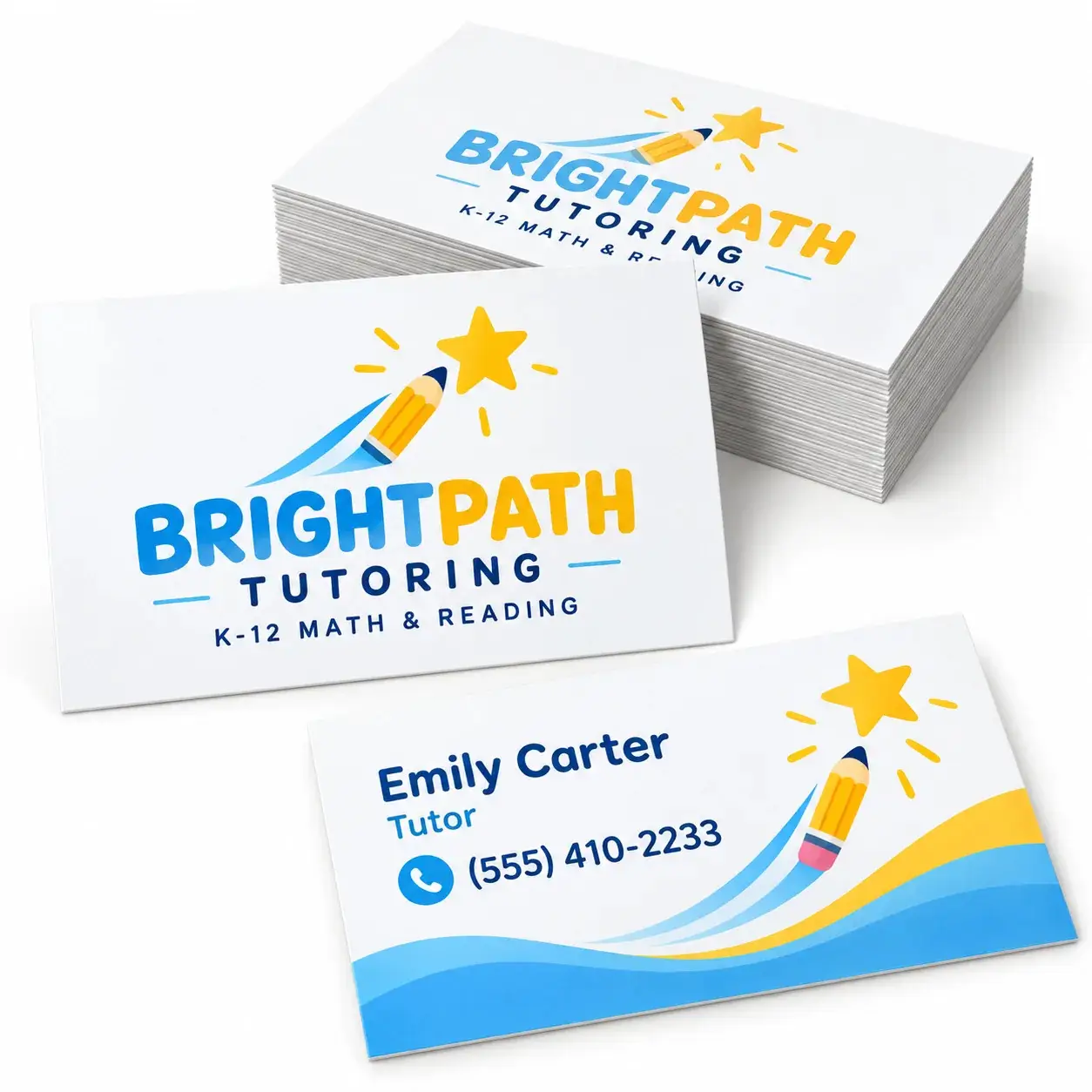
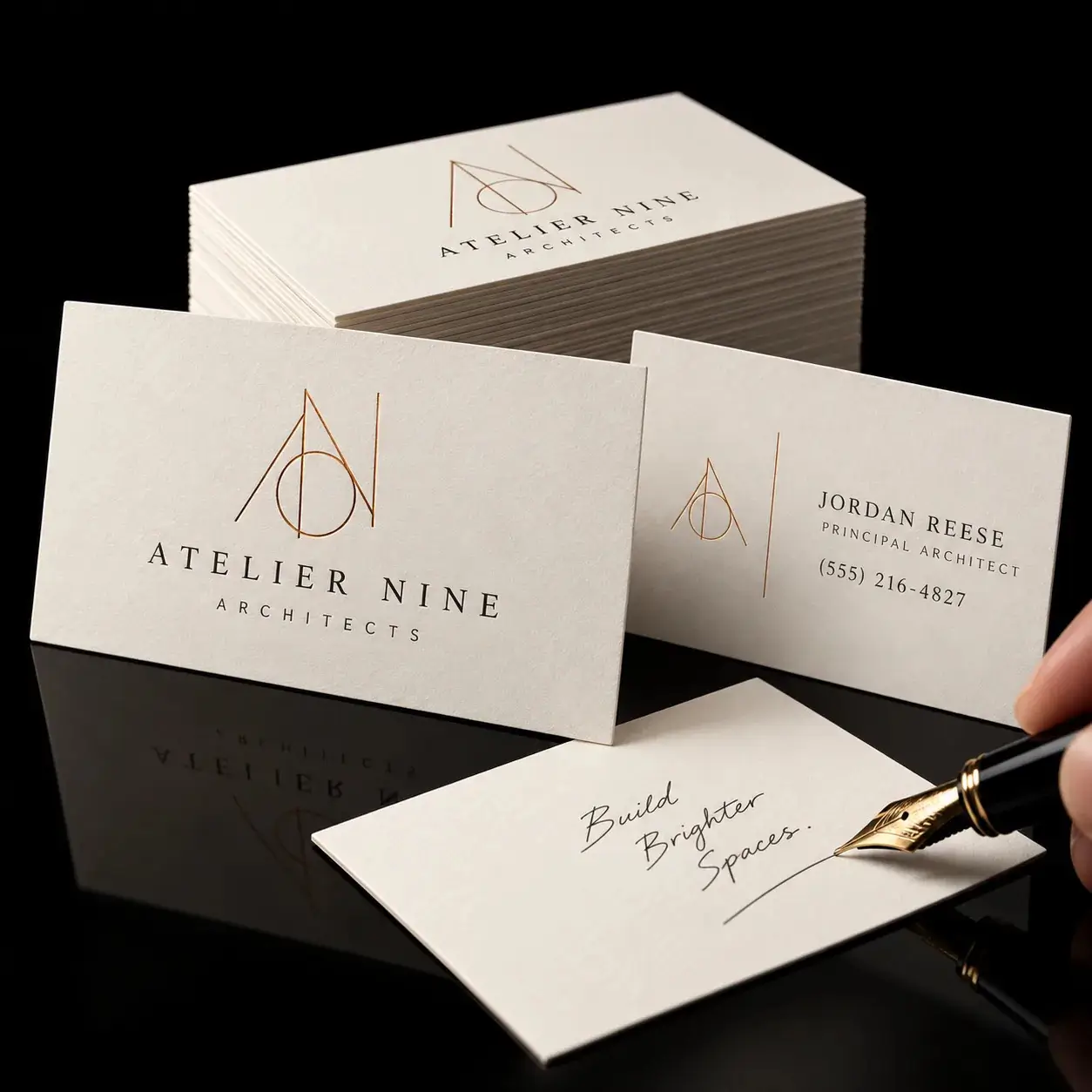
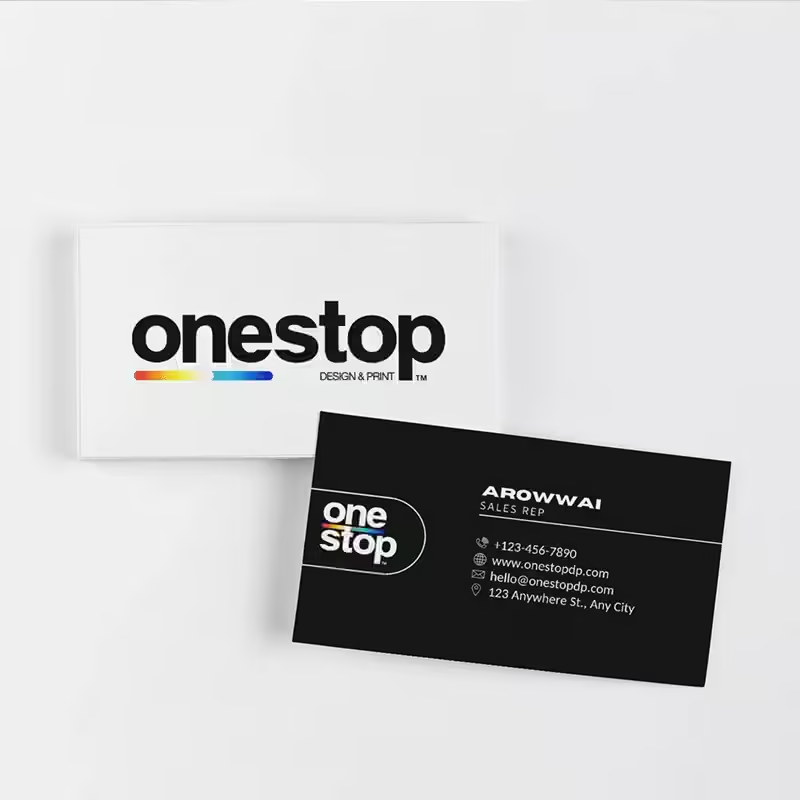
Custom Business Card printing in Tampa for entrepreneurs, contractors, real estate professionals, restaurants, consultants, sales teams and local businesses.
- Full-color custom business card printing
- Single-sided or double-sided options
- Standard 3.5″ × 2″ format
- Modern 2.5″ × 2.5″ square format
- Horizontal or vertical layouts
- Value-focused 14pt cardstock
- Popular 16pt premium cardstock
- Premium 18pt+ options where available
- Glossy, matte and Soft-Touch finishes
- Spot UV, foil and rounded-corner upgrades where compatible
- Design assistance available with qualifying orders
- Quantities from 250 to 1,000 cards
Business Cards
Custom Business Card printing in Tampa for entrepreneurs, contractors, real estate professionals, restaurants, consultants, sales teams and local businesses.
- Full-color custom business card printing
- Single-sided or double-sided options
- Standard 3.5″ × 2″ format
- Modern 2.5″ × 2.5″ square format
- Horizontal or vertical layouts
- Value-focused 14pt cardstock
- Popular 16pt premium cardstock
- Premium 18pt+ options where available
- Glossy, matte and Soft-Touch finishes
- Spot UV, foil and rounded-corner upgrades where compatible
- Design assistance available with qualifying orders
- Quantities from 250 to 1,000 cards
Custom Business Card Printing in Tampa
Professional Business Cards for Networking, Sales and Customer Connections
Custom Business Cards give customers and professional contacts a simple way to remember your name, business, services and contact information after a meeting or conversation.
OneStop Design & Print provides custom business card printing in Tampa for entrepreneurs, contractors, real estate professionals, restaurants, consultants, sales teams, healthcare offices, service providers and local businesses.
Choose a classic rectangular card or modern square format, then customize the cardstock, orientation, printed sides, finish, corners and available premium effects to match your brand.
Professional First Impression
Keep Your Brand and Contact Information Easy to Remember
A well-designed business card provides an easy physical reminder of your company after networking events, estimates, appointments, deliveries, trade shows, client meetings or everyday customer interactions.
The strongest designs focus on the most useful information instead of filling every available area with text.
Brand
Lead with Your Identity
Make your company name or logo one of the most recognizable elements on the card.
Contact
Make It Easy to Respond
Keep your most important phone, email, website or social information clear and readable.
CTA
Give a Clear Next Step
Guide customers toward a call, website, appointment, quote or other desired action.
Stock & Finishes
Choose Standard or Square Business Cards
Standard
3.5″ × 2″
The familiar business card format for professional services, contractors, sales teams, corporate branding and everyday networking.
Square
2.5″ × 2.5″
A distinctive format for creative businesses, photographers, salons, restaurants, boutiques, designers and modern brands.
Layout Options
Horizontal or Vertical Business Card Designs
Choose the orientation that best supports your logo, contact information and visual style.
Horizontal
Traditional Reading Flow
A familiar layout that works well for most business, service and corporate card designs.
Vertical
Modern Presentation
A more distinctive format that can emphasize logos, portraits or stacked contact information.
Artwork dimensions and orientation must match the exact format selected for the order.
Printed Sides
Single-Sided or Double-Sided Business Cards
Single-Sided
Simple Contact Card
Use one printed side for your logo, name, phone number, email address and website.
Double-Sided
More Room for Information
Use the reverse for services, appointment information, QR codes, social profiles, offers, taglines or supporting content.
A clean two-sided design often keeps primary branding on the front and supporting information on the back.
Cardstock Options
Choose the Thickness That Fits Your Brand and Budget
14pt
Everyday Value
A dependable choice for regular networking, service calls and higher-volume business distribution.
16pt
Popular Premium Feel
A thicker, more substantial presentation that balances professional appearance and practical cost.
18pt+
Premium Options
Available configurations may provide additional thickness and compatibility with selected specialty finishes.
Surface Finishes
Glossy, Matte or Soft-Touch Business Cards
Glossy
Bright Visual Impact
Works well with photography, gradients, bold colors, food imagery and promotional designs.
Matte
Smooth Professional Look
Provides a lower-glare appearance suited to corporate, real estate, healthcare and service brands.
Soft-Touch
Premium Tactile Finish
Creates a smooth refined feel for brands seeking a more distinctive presentation.
Spot UV
Highlight Selected Parts of Your Business Card
Spot UV applies glossy contrast to selected elements such as a logo, name, icon, pattern or short headline.
It works best when used selectively rather than across the complete design.
- Company logos
- Names or initials
- Graphic patterns
- Icons
- Short headlines
- Selected design details
Spot UV availability depends on the selected cardstock, size, finish, printed sides, artwork and production configuration.
Foil Accents
Add a Premium Metallic Effect to Selected Artwork
Foil can be applied selectively to logos, initials, borders, icons or short text for a more premium visual presentation.
Foil options and compatibility depend on the selected stock, size, surface finish, printed sides and artwork configuration.
Rounded Corners
Create a Softer Modern Card Shape
Rounded corners can help distinguish a business card from a traditional square-corner format.
Keep names, logos, phone numbers, QR codes and decorative borders away from the corner safety zones so important information is not affected during finishing.
Service Business Cards
Professional Cards for Contractors and Local Service Companies
Contractors, landscapers, cleaners, photographers, repair companies, consultants, chauffeurs and other service providers can use business cards after estimates, appointments, projects and customer conversations.
A service-focused card should make the business name, primary service, phone number, website and next step easy to identify.
Real Estate & Sales
Business Cards for Networking and Client Follow-Up
Real estate agents, brokers, property managers, consultants and sales representatives can use custom cards during open houses, meetings, events and follow-up conversations.
Double-sided cards provide space for a professional photo, brokerage information, specialties, social profiles or a QR code linking to listings or an online profile.
Appointment & Loyalty Cards
Use the Reverse Side for More Than Contact Information
Salons, barbers, spas, healthcare offices, restaurants and other service businesses may use the back of the card for appointment details, referral offers, loyalty spaces, care instructions or return-visit messaging.
Confirm that the selected surface finish works with the pen, stamp or marking method you plan to use.
Business Card Quantities
Order 250 to 1,000 Business Cards
| Quantity | Recommended Use |
|---|---|
| 250 | Regular networking, customer visits and local business use |
| 500 | Ongoing sales, service calls, events and team distribution |
| 1,000 | High-volume networking, multi-employee use and frequent customer outreach |
Specifications
Business Card Specifications
| Specification | Details |
|---|---|
| Product | Custom printed business cards |
| Printing | Full-color printing |
| Printed Sides | Single-sided or double-sided |
| Standard Size | 3.5″W × 2″H |
| Square Size | 2.5″W × 2.5″H |
| Orientation | Horizontal or vertical |
| Cardstock | 14pt, 16pt and available premium 18pt+ options |
| Finishes | Glossy, matte and Soft-Touch |
| Premium Upgrades | Spot UV, foil accents and rounded corners where compatible |
| Quantities | 250, 500 or 1,000 |
| Design Assistance | Available with qualifying orders |
Available Formats
Standard and Square Business Card Sizes
| Format | Finished Size | Recommended Use |
|---|---|---|
| Standard | 3.5″W × 2″H | Traditional professional, service, sales and corporate cards |
| Square | 2.5″W × 2.5″H | Creative brands, modern layouts, photography, retail and hospitality |
Cardstock Guide
Compare Business Card Thickness Options
| Cardstock | Recommended Use |
|---|---|
| 14pt | Everyday networking, regular distribution, service calls and value-focused orders |
| 16pt | Professional cards with a thicker and more substantial presentation |
| 18pt+ | Premium branding, specialty finishes, luxury services and distinctive presentations |
Artwork Requirements
Business Card File Setup
| File Requirement | Recommended Setup |
|---|---|
| Preferred Format | Print-ready PDF |
| Alternative Format | High-resolution JPEG may be accepted |
| PDF Setup | Submit one single-page file for each printed side |
| Color Mode | CMYK |
| Resolution | 300 DPI at full finished size recommended |
| Artwork Dimensions | Use the exact template for the selected size and orientation |
| Artboard | Do not resize the template or alter its proportions |
| Bleed | Extend backgrounds and images through the template bleed area |
| Safety Area | Keep essential text and graphics inside the marked safe zone |
| Crop Marks | Do not include unless specifically requested |
| Fonts | Convert all live fonts to outlines |
| Colors | Convert standard Pantone and spot colors to CMYK unless a specialty layer is required |
Front & Back Artwork
Submit Each Printed Side as a Separate File
- Submit the front as a separate single-page file
- Submit the back as a separate single-page file
- Clearly label each file as front or back
- Use identical finished dimensions and orientation for both sides
- Confirm that the reverse artwork is oriented correctly
- Do not combine both sides into an unapproved multi-page file
Standard Card Setup
Prepare Standard Cards at the Exact 3.5″ × 2″ Size
- Use the exact standard business card template
- Confirm horizontal or vertical orientation
- Keep names and job titles inside the safe area
- Keep phone numbers and email addresses inside the safe area
- Keep QR codes away from trim areas
- Extend photographs and backgrounds through the required bleed
Square Card Setup
Design Specifically for the 2.5″ × 2.5″ Format
- Use the exact 2.5″ × 2.5″ square template
- Do not simply resize a rectangular business card
- Rearrange the content for the equal-width layout
- Keep essential information away from trim and corner areas
Rounded Corner Safety
Keep Important Artwork Clear of the Corners
- Use the supplied template for the selected corner style
- Keep text and logos away from the corners
- Keep faces and QR codes away from corner finishing areas
- Avoid thin borders close to the finished perimeter
- Use nonessential backgrounds or design elements near the corners
Spot UV Artwork Setup
Prepare a Separate Specialty Layer for Coated Areas
- Follow the supplied Spot UV template
- Create a clearly identified layer or separate file for Spot UV areas
- Use the effect on bold logos, names, patterns, icons or selected details
- Avoid extremely small text
- Avoid excessively thin lines
- Avoid overly intricate coated elements
- Confirm that the Spot UV layer aligns with the printed artwork
Foil Artwork Setup
Use Solid Shapes for Foil Elements
- Follow the supplied foil template and production instructions
- Keep foil artwork on a clearly identified specialty layer or file
- Use solid artwork rather than gradients or transparent effects
- Avoid extremely thin lines
- Avoid very small text
- Avoid overly detailed foil areas
- Confirm the selected foil option before finalizing artwork
Business Card Design Tips
Keep the Design Clear at Actual Card Size
Brand
Lead with Your Logo
Make your company name or logo the main visual element when appropriate.
Contact
Prioritize Useful Details
Include the contact information customers are most likely to use.
Typography
Keep Text Readable
Avoid fonts or sizes that become difficult to read at the final printed dimensions.
Contrast
Improve Legibility
Maintain sufficient contrast between your text and background.
Back Side
Use the Extra Space
Move secondary information to the reverse rather than overcrowding the front.
Logo Files
Use Vector Artwork
Vector logos are preferred whenever available for clean reproduction.
QR Code Setup
Make Your Business Card QR Code Easy to Scan
- Use a high-contrast QR code
- Leave clear space around all sides
- Keep the code away from trim lines
- Keep it away from rounded corners
- Keep it away from specialty-finishing edges
- Test the final QR code at actual business card size
- Link to an active mobile-friendly destination
Appointment & Loyalty Use
Choose the Surface Carefully if the Card Will Be Written or Stamped On
Cards used for appointments, signatures, loyalty stamps or handwritten notes should use a compatible surface.
Glossy and coated finishes may not work with every pen, pencil, stamp or ink type, so test the intended marking method when writing on the card is important.
Handling & Storage
Protect Premium Finishes and Card Edges
- Store finished cards in a clean, dry indoor location
- Keep cards away from moisture and high heat
- Avoid prolonged direct sunlight during storage
- Protect Soft-Touch, foil and Spot UV surfaces from abrasive objects
- Use a card case or holder for daily carrying
- Keep boxed quantities flat and avoid crushing corners or edges
Tampa Business Card Printing
Custom Business Card Printing in Tampa
OneStop Design & Print provides custom Business Card printing for Tampa entrepreneurs, contractors, real estate professionals, restaurants, consultants, healthcare offices, sales teams, service businesses and local companies.
Choose standard or square cards, your preferred stock thickness, single- or double-sided printing and compatible specialty finishes to create a professional card that represents your brand.
Upload print-ready artwork or request design assistance with a qualifying order.
Related Marketing Printing
Need More Space to Explain Your Business?
Brochures
Use custom folded brochures when you need more room for services, products, menus, photographs, pricing and detailed marketing information.
Custom Business Cards
Make Every Introduction More Professional
Order custom Business Cards for networking, appointments, sales, real estate, service calls, events and everyday customer connections in Tampa.
Business Card FAQ
Frequently Asked Questions
What business card sizes are available?
Choose the standard 3.5″ × 2″ format or the modern 2.5″ × 2.5″ square format.
Can Business Cards be horizontal or vertical?
Yes. Horizontal and vertical layouts are available. Prepare the artwork in the exact orientation selected for your order.
Can Business Cards be printed on both sides?
Yes. Choose single-sided printing for a simple card or double-sided printing when you need additional room for services, QR codes, contact details, appointments or supporting information.
Which business card thickness should I choose?
Choose 14pt for everyday value, 16pt for a thicker professional presentation or an available 18pt+ stock for premium branding and selected specialty configurations.
Which finishes are available?
Options include glossy, matte and Soft-Touch finishes. Availability depends on the selected size, cardstock, printing configuration, quantity and premium upgrades.
Can I add Spot UV to my Business Cards?
Yes, Spot UV may be available on compatible configurations. It can be used selectively to emphasize logos, names, patterns, icons or other design elements.
Can I order foil Business Cards?
Foil accents may be available with compatible stocks and finishes. Final availability depends on the selected card size, material, artwork and production configuration.
Are rounded corners available?
Yes. Rounded corners are available on compatible configurations for a softer, more modern appearance.
What quantities can I order?
The current product configuration offers quantities from 250 to 1,000 cards, including 250, 500 and 1,000-piece options.
Can I use the back as an appointment or loyalty card?
Yes. The reverse can include appointment information, loyalty spaces, referral offers, instructions or notes. Choose a surface that works with the intended pen, stamp or marking method.
What artwork resolution is recommended?
300 DPI at the full finished size is recommended for raster artwork.
Do you offer custom Business Card printing in Tampa?
Yes. OneStop Design & Print provides custom Business Card printing for Tampa entrepreneurs, contractors, restaurants, real estate professionals, consultants, healthcare offices, sales teams, service companies and local businesses.
Customer Reviews
Share your experience—leave a review.
 Posted on Google
 Mahmoud Atwa
 The team there is so professional and they were kind enough to answer all my questions on the phone!Posted on Google
 Benjamin BurkhalterAwesome place , the guy that helped me was tremendously nice and respectful and helpful. They are fast and professional and want to win your business, I definitely look forward to working with them again, they seem to have a great variety of things they can help you with and don’t nickel and dime you, give them a go!!Posted on Google
 Matt G**Review for One Stop Signage Company** I recently had the pleasure of working with One Stop Signage Company for a project that required custom signage for my business, and I cannot recommend them highly enough! From start to finish, the entire experience was seamless, professional, and exceeded my expectations. **Quality of Work:** The quality of the signage they produced is outstanding. The materials used are durable, and the printing is vibrant and precise. The attention to detail is evident in every aspect of their work, from the design to the final installation. The signs look incredibly professional and have already garnered compliments from customers. **Customer Service:** The team at One Stop Signage is truly exceptional. They were incredibly responsive, patient, and attentive to my needs. They took the time to understand my vision and provided expert guidance to ensure the final product was perfect. Their communication throughout the process was clear and timely, which made the entire experience stress-free. **Design Expertise:** Their design team is incredibly talented. They took my initial ideas and transformed them into a stunning, cohesive design that perfectly represents my brand. They were open to revisions and made sure I was 100% satisfied before moving forward with production. **Timeliness:** One Stop Signage delivered the project on time, which was crucial for my business launch. They managed to meet a tight deadline without compromising on quality, which I truly appreciated. **Value for Money:** Considering the high-quality materials, craftsmanship, and excellent service, the pricing is very reasonable. They offer great value for the level of expertise and professionalism they provide. **Overall Experience:** Working with One Stop Signage Company was an absolute pleasure. They are a reliable, creative, and customer-focused business that delivers top-notch results. If you’re looking for a signage company that combines quality, professionalism, and outstanding service, look no further. I will definitely be using them for all my future signage needs! **Rating:** ⭐⭐⭐⭐⭐ (5/5) Thank you, One Stop Signage, for helping my business stand out with your incredible work!Posted on Google
 Adham ElbazGreat service and quality finishes. The signs came out even better than we expected and the material was impeccable. Can’t recommend enough
Owner's reply
Thank you so much for your amazing feedback! We're thrilled to hear that you loved the service, quality, and signs. It's wonderful to know that everything exceeded your expectations. We look forward to working with you again in the future!Posted on Google Custom Corner"Excellent quality, quick delivery, and unmatched prices!"
Owner's reply
Thank you so much for your fantastic review! We're thrilled to hear that you are pleased with our quality, delivery speed, and pricing. We look forward to serving you again soon.Posted on Google Mohamed Eldeifi❤️❤️❤️
Owner's reply
Thank you so much for the love and support! We're thrilled to know you had a great experience with us. We look forward to serving you again in the future!Posted on Google Амир АрифовI was looking for the good Print company and hopefully I found it. These guys made me a banner with good quality for the lower price
Owner's reply
Thank you so much for your positive feedback! We're delighted to hear that you're satisfied with the banner's quality and price. It's our goal to provide excellent service, and we're thrilled to have met your expectations. We look forward to serving you again!Posted on Google Omar AboseadaVery professional and very good quality highly recommended
Owner's reply
Thank you for your kind words and recommendation! We are thrilled to hear that you are satisfied with our services and quality. We look forward to serving you again in the future.Posted on Google Mahmoud AfifiI’ve been doing business with Onestop since their days in Wisconsin, and they’ve always been my go-to for printing needs. When they moved to Florida, I tried working with 2-3 other printing companies, but none of them came close to Onestop’s quality and service. On top of that, the alternatives were even more expensive! I decided to give Onestop a call, and I’m so glad I did. They told me they could ship anything I needed directly to me, even though they’re now based in Tampa. That was the best news ever! The quality of their work is unmatched, and their customer service is just as fantastic as I remember. It feels great to know I can still count on Onestop no matter where they are. Highly recommended!
Owner's reply
Thank you for your kind words and continued support! We're thrilled to hear that our quality and service continue to meet your expectations, even from afar. Shipping directly to you is just one of the ways we strive to make sure your experience with us is hassle-free and convenient. Your recommendation means a lot to us, and we look forward to assisting you with future printing needs. Thanks again!
Onestop Design & Print
- 2437 S 86th St E, Tampa, FL 33619
- (813) 400‑3327
- sales@onestopdp.com
- Opening Hours: 10:00am - 5:00pm
- 2437 S 86th St E, Tampa, FL 33619
- (813) 400‑3327
- sales@onestopdp.com
- Opening Hours: 10:00am - 5:00pm