
Tampa Business Printing Guide
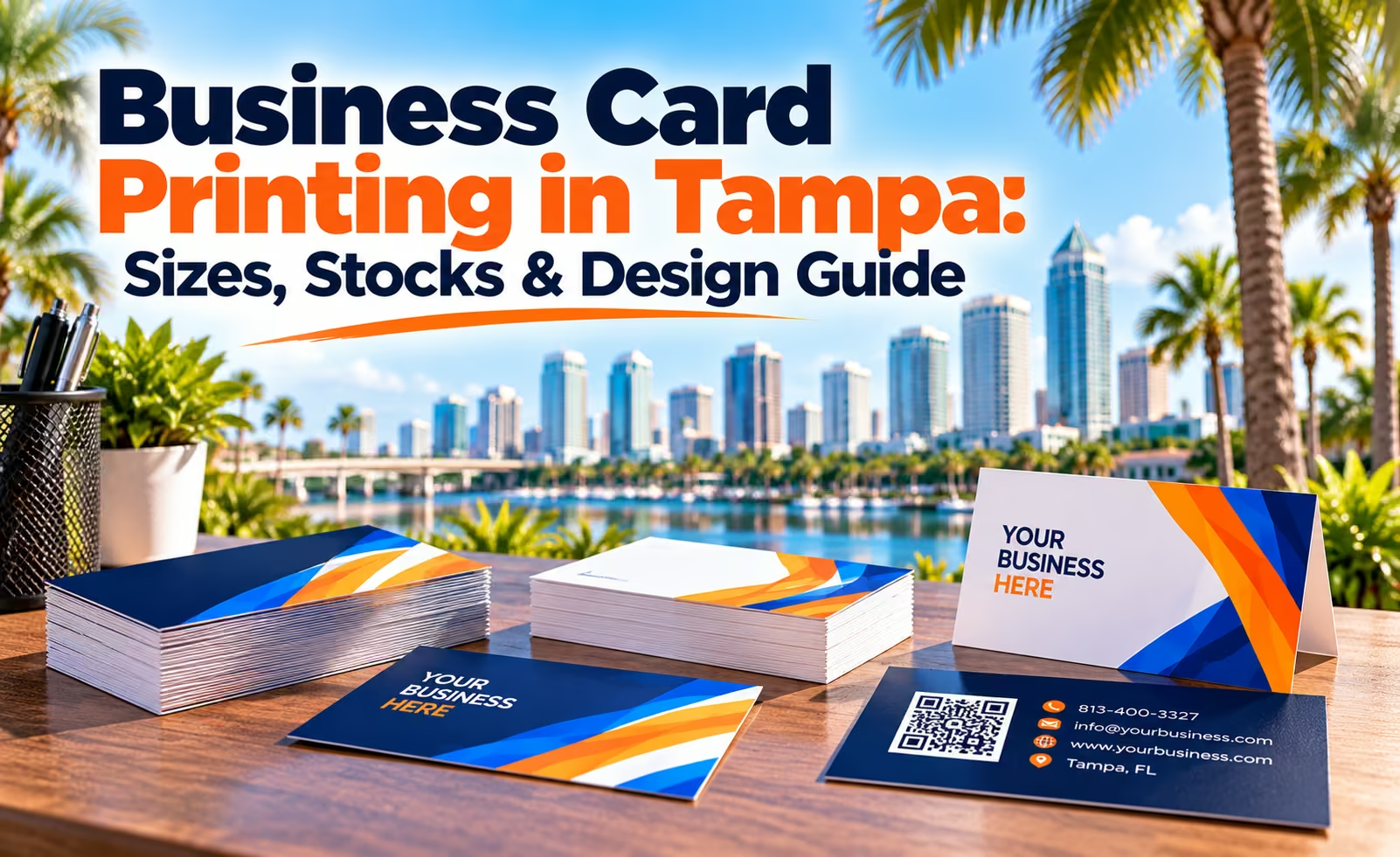
Business Card Printing in Tampa: Sizes, Stocks & Design Guide
Custom business cards give Tampa professionals and local businesses a simple way to share their brand, contact information and next step after a meeting, appointment, estimate or customer conversation.
A good business card is more than a small piece of printed cardstock. The size, thickness, finish, orientation, printed sides and layout all affect how professional the final card feels and how easily customers can use the information.
OneStop Design & Print offers full-color business card printing in Tampa with standard and square formats, multiple cardstock options and compatible premium finishes.
This guide explains how to choose the right business card and prepare artwork that stays clear at actual printed size.
Why Business Cards Matter
Why Business Cards Still Work for Tampa Businesses
Networking
Make Introductions Easier to Remember
A printed card gives customers, prospects and professional contacts something physical to keep after a networking event, meeting or conversation.
Branding
Keep Your Business Identity Consistent
Use your logo, brand colors and typography to connect the business card with your website, signage, marketing prints and other customer touchpoints.
Contact
Make It Easy to Reach You
A clear card can keep your phone number, email, website, address or preferred contact method available when a customer needs it later.
Action
Guide Customers to the Next Step
Use the card to direct customers toward a call, website, appointment, quote, booking page, online profile or other useful next action.
Business Card Sizes
Standard or Square Business Cards?
OneStop currently offers two primary business card formats. The right choice depends on how traditional or distinctive you want the finished design to feel.
Standard 3.5″ × 2″ Business Cards
The familiar rectangular format works well for contractors, sales teams, real estate professionals, consultants, healthcare offices and everyday professional networking.
Square 2.5″ × 2.5″ Business Cards
A square card creates a more distinctive format for creative businesses, restaurants, salons, boutiques, photographers and brands that want a less traditional presentation.
Design for the Exact Card Size You Plan to Order
A rectangular business card should not simply be squeezed into a square template—or the other way around.
Choose the finished size first, then build the layout around that format so logos, contact information, QR codes and supporting graphics remain balanced and readable.
Orientation
Horizontal or Vertical Business Card Layout?
Horizontal Layout
The traditional horizontal format provides a familiar reading flow and works well for most company names, contact details and standard professional branding.
Vertical Layout
A vertical card can create a more modern presentation and may work especially well for logos, portraits, stacked contact information or minimalist branding.
Whichever orientation you choose, prepare the artwork in the exact orientation selected for the order.
Printed Sides
Single-Sided vs. Double-Sided Business Cards
| Option | Best For | Content Ideas |
|---|---|---|
| Single-Sided | Simple contact cards and minimal designs | Logo, name, title, phone, email and website |
| Double-Sided | Cards needing more branding or supporting information | QR codes, services, appointments, social profiles, offers or taglines |
A clean two-sided layout often works well because the front can focus on brand recognition while the back carries secondary information.
Cardstock
Choose the Right Business Card Thickness
Card thickness affects how substantial the finished card feels and which premium finishing options may be compatible with the order.
14pt
Everyday Value
A practical choice for regular networking, service calls, customer visits and businesses distributing cards frequently.
16pt
Professional Premium Feel
A thicker option that provides a more substantial presentation while remaining practical for regular business use.
18pt+
Premium Card Options
Available premium configurations can provide additional thickness and may support selected specialty finishes depending on the order.
Surface Finishes
Glossy, Matte or Soft-Touch Business Cards?
Glossy Finish
Gloss can increase visual impact for photographs, gradients, colorful graphics, restaurant imagery and bold promotional designs.
Matte Finish
A lower-glare appearance can work well for corporate, real estate, healthcare, consulting and professional service businesses.
Soft-Touch Finish
Soft-Touch creates a smoother tactile surface for businesses looking for a more refined and distinctive premium presentation.
Premium Effects
Use Spot UV and Foil to Highlight Selected Details
Premium finishing generally works best when it highlights specific design elements rather than competing with the entire card.
Spot UV
Spot UV adds glossy contrast to selected elements such as logos, names, icons, patterns or short headlines.
Foil Accents
Foil can add a metallic visual effect to logos, initials, borders, icons or selected text where a compatible card configuration is available.
Availability depends on the selected cardstock, size, finish, printed sides and artwork setup.
Card Shape
Should You Add Rounded Corners?
Rounded corners can help a business card look different from a traditional square-corner format while keeping the overall design professional.
When using rounded corners, keep names, contact information, logos, QR codes and decorative borders safely away from the corner finishing area.
Premium Finishes Should Support the Brand, Not Overpower It
Spot UV, foil and specialty details can make a card more distinctive, but the primary job of the card is still communication.
Customers should be able to identify your business and find the most important contact information immediately.
Design Checklist
What Information Should Be on a Business Card?
Not every card needs every possible contact method. Include the information customers are most likely to use.
- Your business name or logo
- Your name when appropriate
- Job title or role when useful
- Primary phone number
- Email address
- Website or landing page
- Relevant social profile when useful
- One clear call to action
QR Codes
Should You Put a QR Code on Your Business Card?
A QR code can connect a printed card to a digital destination without adding a long URL to the design.
Website or Landing Page
Send customers directly to a useful mobile-friendly page rather than only to a generic homepage when a more specific destination is available.
Booking or Quote Form
Service businesses can use a QR code to reduce the steps between receiving the card and requesting an appointment or estimate.
Listings or Portfolio
Real estate professionals, photographers, contractors and creative businesses can link customers to current listings, work samples or profiles.
Use strong contrast, leave clear space around the QR code, keep it away from trim and rounded corners, and test the final code at actual printed size before ordering.
Business Uses
Business Cards for Different Tampa Industries
Contractors & Home Services
Use cards after estimates, service calls, projects and neighborhood customer conversations. Keep the main service and phone number easy to find.
Real Estate Professionals
Agents, brokers and property managers can use business cards at open houses, networking events, meetings and client follow-ups.
Restaurants & Hospitality
Cards can share contact details, catering information, reservation links, social profiles or QR codes for menus and online ordering.
Healthcare & Professional Offices
Use cards for office contact information, referrals, follow-up communication and appointment-related information.
Sales & Consultants
A professional card provides an easy follow-up reference after networking events, client meetings, conferences and presentations.
Creative & Personal Services
Photographers, salons, designers, event professionals and similar businesses can use square formats, premium finishes and strong visual branding.
More Than Contact Info
Use the Back of the Card for Appointments, Loyalty or Referrals
Double-sided business cards can serve additional purposes for businesses that regularly interact with returning customers.
Appointment Cards
Use the reverse for appointment dates, times, provider names or return-visit information.
Loyalty Cards
Restaurants, salons and other recurring-service businesses can reserve space for loyalty marks or customer reward programs.
Referral Offers
Add a simple referral message, promotional code or return-visit offer without overcrowding the primary branding side.
If customers need to write or stamp on the card, make sure the selected surface finish works with the intended pen, ink or stamp.
Quantity Guide
How Many Business Cards Should You Order?
| Quantity | Recommended Use |
|---|---|
| 250 Cards | Regular networking, appointments, customer visits and local business use |
| 500 Cards | Ongoing sales activity, service calls, events and regular distribution |
| 1,000 Cards | High-volume networking, multi-employee distribution and frequent customer outreach |
Artwork Setup
Prepare Business Card Files for Professional Printing
Correct artwork setup helps prevent text, logos and important graphics from being trimmed or reproduced incorrectly.
| File Requirement | Recommended Setup |
|---|---|
| Preferred File | Print-ready PDF |
| Color Mode | CMYK |
| Raster Resolution | 300 DPI at full finished size recommended |
| Dimensions | Use the exact template for the selected size and orientation |
| Bleed | Extend backgrounds and images through the template bleed area |
| Safe Area | Keep essential text and graphics inside the marked safety area |
| Fonts | Convert live fonts to outlines in final print-ready artwork |
Front & Back Files
Prepare Each Printed Side Correctly
- Prepare front and back artwork at matching dimensions
- Keep both sides in the same orientation
- Clearly identify which file is the front and which is the back
- Extend full-bleed backgrounds through the bleed area
- Keep text and logos inside the safe zone
- Keep QR codes away from trim edges
- Verify that reverse-side artwork is oriented correctly
- Review all phone numbers, emails and URLs before submitting
Design Tips
Keep Business Card Design Clear at Actual Size
Lead With Your Brand
Make your business name or logo one of the most recognizable elements without allowing it to overwhelm useful contact details.
Prioritize Contact Information
Give the most important phone number, email, website or other contact method enough space to remain easy to find.
Use Readable Typography
Avoid text sizes and decorative fonts that look attractive on a computer screen but become difficult to read on the finished card.
Create Strong Contrast
Separate important text clearly from the background so names, numbers and web addresses remain legible.
Use the Back Strategically
Move secondary information to the reverse instead of reducing every element on the front to fit more content.
Use Quality Logo Files
Vector artwork is preferred when available because it helps logos and other graphic elements reproduce cleanly at print size.
Always Review the Design at Actual Business Card Size
A design can look spacious when enlarged on a monitor but become crowded when printed at 3.5 × 2 inches.
Before approving the artwork, view it at approximately actual size and confirm that names, phone numbers, email addresses, QR codes and other essential information are comfortable to read.
Tampa Business Printing
Custom Business Card Printing in Tampa
OneStop Design & Print provides custom business card printing for Tampa entrepreneurs, contractors, restaurants, real estate professionals, consultants, healthcare offices, sales teams, service companies and local businesses.
Choose standard or square cards, horizontal or vertical layouts, single- or double-sided printing, 14pt, 16pt or available premium stocks, plus compatible glossy, matte, Soft-Touch, Spot UV, foil and rounded-corner options.
Print-ready artwork can be uploaded with your order, and design assistance is available with qualifying orders.
Related Marketing Prints
Build a Complete Business Marketing Kit
Shop Business Cards
Compare sizes, cardstock, finishes and premium options for custom business card printing in Tampa.
Custom Flyers
Use flyers when you need more room for promotions, services, menus, events, offers and local advertising.
Marketing Prints
Combine business cards with brochures, postcards, door hangers, signs and other printed materials for coordinated business promotion.
Tampa Business Cards
Create Business Cards That Represent Your Brand
Need help choosing a card size, cardstock, finish or artwork layout? OneStop Design & Print can help you prepare custom business cards for networking, appointments, sales and everyday customer connections.
Business Card FAQ
Frequently Asked Questions
What business card sizes does OneStop offer?
Current options include the standard 3.5 × 2-inch business card and a modern 2.5 × 2.5-inch square format.
Can business cards be horizontal or vertical?
Yes. Horizontal and vertical layouts are available. Prepare your artwork in the exact orientation selected for the order.
Can business cards be printed on both sides?
Yes. Choose single-sided printing for a simple contact card or double-sided printing when you need more room for QR codes, services, appointments, offers or supporting information.
Should I choose 14pt or 16pt business cards?
14pt is a practical option for everyday distribution, while 16pt provides a thicker and more substantial professional presentation. Premium 18pt+ options may also be available with selected configurations.
Which business card finishes are available?
Current options include glossy, matte and Soft-Touch finishes. Spot UV, foil and rounded corners are also available with compatible configurations.
Can I put a QR code on my business card?
Yes. Keep the QR code high-contrast, leave clear space around it, place it away from trim and rounded corners, and test it at actual printed size before submitting the artwork.
How many business cards can I order?
The current OneStop product offers quantities of 250, 500 and 1,000 business cards.
What resolution should business card artwork use?
For raster artwork, 300 DPI at the full finished size is recommended. CMYK print-ready PDF artwork is preferred.
Does OneStop offer business card printing in Tampa?
Yes. OneStop Design & Print provides custom business card printing for Tampa professionals, entrepreneurs, contractors, restaurants, real estate professionals, consultants, sales teams and other local businesses.